Wendy’s Rewards – How to Earn, Redeem & Save
Qualifying orders can earn you points you just have to know where to look. Here’s exactly how Wendy’s Rewards works, how fast points add up, and how to turn everyday orders into free food.
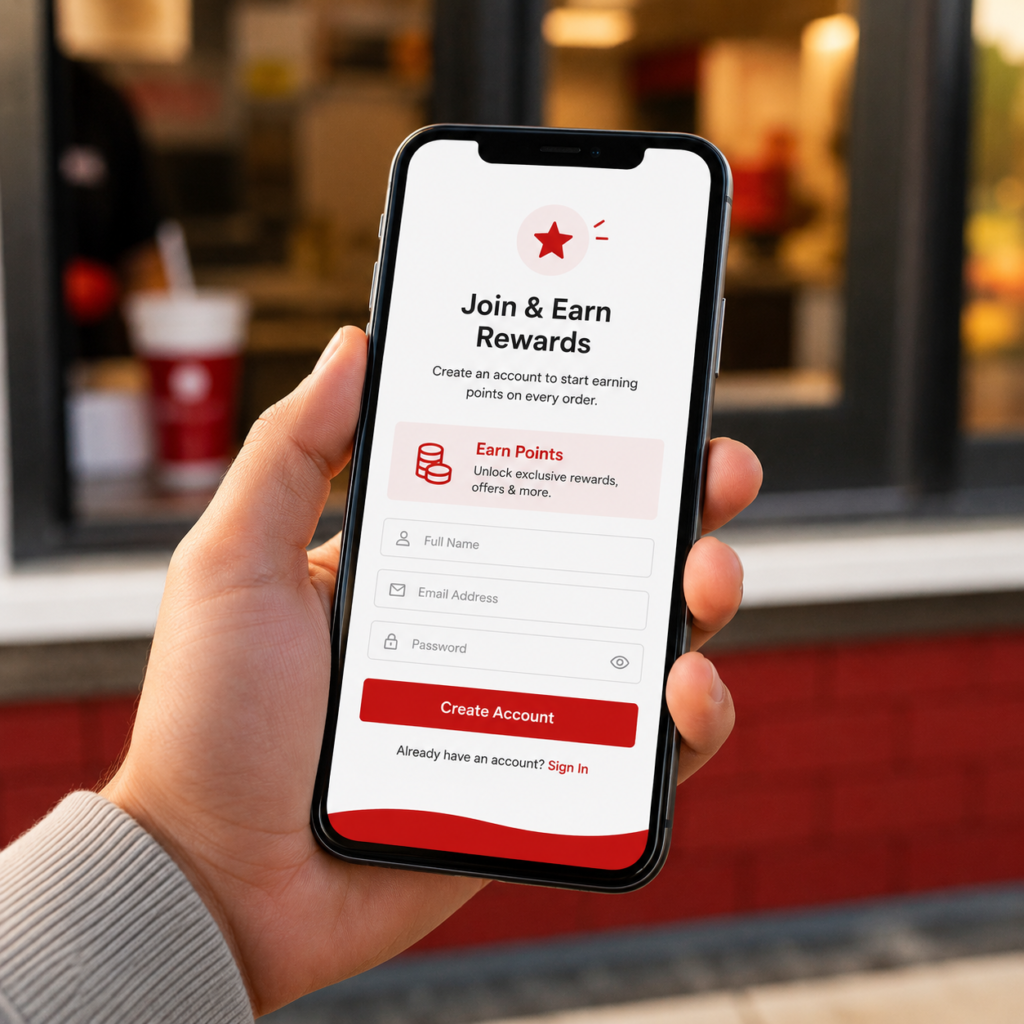
Wendy’s Rewards Program Details
Every core number in one place earn rate, expiration windows, and what does and doesn’t qualify so you don’t have to dig through the sections below to find a specific figure.
| Cost to Join | Free no fees or subscription |
| Earn Rate | 10 points per $1 spent (before tax) |
| SignUp Offer | 200 bonus points + an inapp 10piece Nuggets offer* |
| How to Join | Wendy’s app or website free MyWendy’s account |
| Points Posting Time | Usually within about 2 hours |
| Points Expiration | 365 days from the date earned |
| Claimed Reward Expiration | 30 days from the day it was claimed |
| Entry Reward Level | Current Rewards Store items start at 200 points* |
| Birthday Reward | Possible, if birthday is added to profile |
| Delivery Orders | No points even in Wendy’s own app or website |
| Gift Card Payment | Earns points (buying a gift card does not) |
| Stacking Limit | 1 reward + 1 offer per order |
*Signup offers and entry level reward pricing are set by Wendy’s and can change at any time always confirm the current offer inside the app before signing up or redeeming.
Delivery No Longer Earns Points
⚠️ This is the rule that catches the most members out.
Delivery orders do not earn Rewards points or qualify for inapp offers even when placed through Wendy’s own app or website. Third party platforms like DoorDash, Grubhub, Uber Eats and Postmates don’t earn points either. If points matter to you, choose pickup at checkout.
How to Sign Up & Earn Points
Join
Create a free MyWendy’s account in the app or on the website. If you already have an app account from ordering before, you’ve likely been enrolled automatically.
Earn
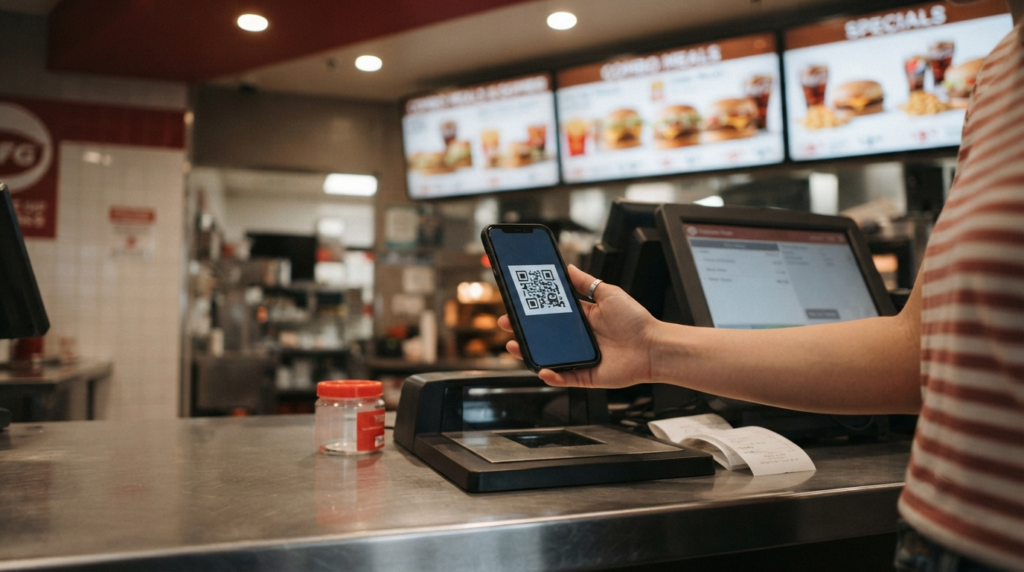
Place a pickup order in the app or on the site for automatic points, or scan your inapp QR code at the counter, drive thru or kiosk before you pay. 10 points land per $1.
Redeem
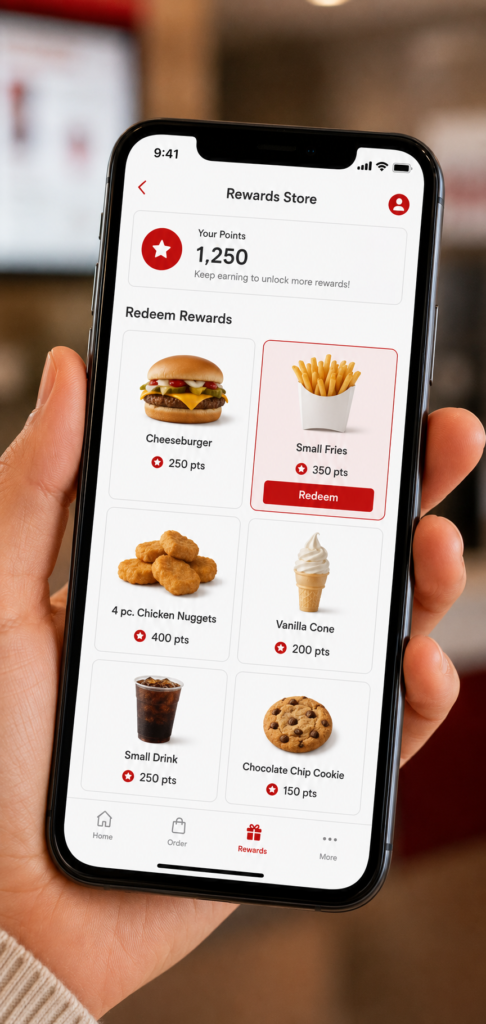
Trade points for menu items in the Rewards Store, then attach the reward to an order. Claim it only when you’ll use it the clock starts at 30 days.
Current SignUp Offer
Wendy’s is currently advertising 200 bonus Rewards points after your first purchase, plus an inapp offer for a 10piece Nuggets with purchase, for creating a new MyWendy’s account. Signup offers can change without notice, so confirm the terms shown on the current signup screen before creating your account.
The Main Ways to Earn Points
Here are the main ways qualifying purchases and promotions can add points to your account. Wendy’s can add or change earning activities and promotions at any time.
| Earning Method | Points | How It Works |
|---|---|---|
| App order (pickup) | 10 / $1 | Automatic nothing to scan |
| Website order (pickup) | 10 / $1 | Automatic when signed in |
| Instore / drive thru QR scan | 10 / $1 | Show the QR code before paying |
| Paying with a Wendy’s gift card | 10 / $1 | Still scan your QR code at checkout |
| Receipt claim (missed scan) | Up to 100 | Must be submitted within 24 hours |
| Bonus point challenges | Varies | Rotate through the Offers tab |
| Delivery orders (any platform) | 0 | Not eligible, including Wendy’s own app |
Points Chart – How Many Will I Earn?
Since the math is a flat 10 points per $1, it’s easy to estimate your balance before you even order:
| Order Total (pre tax) | Points Earned |
|---|---|
| $5.00 | 50 pts |
| $10.00 | 100 pts |
| $15.00 | 150 pts |
| $20.00 | 200 pts |
| $30.00 | 300 pts |
| $50.00 | 500 pts |
| $80.00 | 800 pts |
Points are calculated on the pre tax total of qualifying purchases, excluding taxes, fees and tips, so treat these as close estimates. You earn 10 points for every $1 spent on qualifying purchases.
Where Points Come From (and Where They Don’t)
Everything above in one side by side view, for when you just want a fast yes or no answer:
- Pickup orders placed in the Wendy’s app
- Pickup orders placed on the Wendy’s website
- Inrestaurant, kiosk or drive thru orders where your QR code is scanned
- Orders paid for with a Wendy’s gift card (with a QR scan)
- The non discounted portion of an order using a reward or offer
- All delivery orders, including Wendy’s own app and site
- DoorDash, Grubhub, Uber Eats, Postmates
- Instore orders where the QR code wasn’t scanned
- The discounted amount covered by a redeemed reward or offer
- Taxes, fees and tips and buying a gift card itself
Rewards Not Working? Why Points Don’t Show Up
Forgot to Scan? Claim It Within 24 Hours
In the app, tap Earn at the bottom, choose Claim Receipt Rewards, then scan the barcode or enter the code from your receipt. On desktop, go to the Offers section and select Claim Receipt Rewards. The specific limits:
- Both the claim and receipt must be submitted within 24 hours of purchase later submissions are not accepted
- Maximum one claim per 24hour period, and four claims per calendar month
- Awarded up to a maximum of 100 points, less tax, fees, tips and any rewards redeemed
- Claims can take up to 14 days to review and process
- The email on the form must match your MyWendy’s account, or the claim gets denied
Wendy’s Rewards Point Values
The Rewards Store lineup and point costs are current at the time of writing, but Wendy’s can change them at any time. Always check the Rewards Store in the app before planning a redemption around a specific item.
| Points | Item |
|---|---|
| 200 | Small seasoned potatoes, 4pc chicken nuggets |
| 250 | Small Frosty |
| 300 | Small fries, Crispy Chicken Sandwich |
| 350 | Small chili, 6pc nuggets, Jr. Bacon Cheeseburger, large seasoned potatoes |
| 400 | Double Stack |
| 450 | Large fries |
| 600 | Breakfast Baconator, 10pc chicken nuggets |
| 700 | Dave’s Single, Classic/Spicy Chicken Sandwich |
| 800 | Dave’s Double, Son of Baconator |
| 900 | Baconator, Fresh Made Salad |
The Rewards Store carries roughly two dozen redeemable items at any time, not the full menu combos, larger sandwiches and drinks are frequently excluded. Values shown are the current Rewards Store snapshot and can change.
Rewards vs Offers – What’s the Difference?
These two get mixed up constantly inside the app, so it’s worth separating them clearly:
Rewards
- Bought with earned points
- Live in the Rewards Store
- Available anytime you have enough points
- Expire 30 days after being claimed
Offers
- Free promotional deals cost no points
- Live in the app’s Offers section
- Often time limited or personalized
- Not tied to your points balance at all
Because both can generally be combined one of each per order it’s worth checking both sections before checking out.
Tips to Earn Points Faster
- Choose pickup over delivery whenever earning points matters to you.
- Order through the app or website so points post automatically without depending on a scan at the counter.
- Scan your QR code every visit, even for a quick drive thru stop small purchases add up over a month.
- Pair an Offer with a Reward when both are available, since one of each can be applied to the same order.
- Check the Offers tab weekly personalized deals and bonus point challenges rotate in regularly.
- Add your birthday to your profile so you don’t miss a potential birthday month offer.
Common Mistakes to Avoid
- Ordering delivery and expecting points no platform earns them right now.
- Forgetting to scan the QR code before paying at the counter or drive thru window.
- Claiming a reward too early, then losing it to the 30day claimed reward expiry.
- Letting points sit unused for a full year, since the 365day clock doesn’t pause for anyone.
- Ordering while logged into the wrong account, especially if a second account was created by accident.
- Missing the 24hour receipt claim window old receipts can’t be claimed later.
- Assuming two rewards can stack only one reward plus one offer per transaction.
Who Should Join Wendy’s Rewards?
- Weekly or near weekly customers
- Families ordering larger totals per visit
- Regular breakfast or lunch commuters
- Anyone already using the app for pickup
- Anyone who orders almost entirely by delivery
- Very infrequent visitors (points may expire unused)
- Anyone unwilling to create an account or use the app
🎂 Birthday Perk
Wendy’s may offer birthday related promotions to Rewards members. If your account qualifies for a birthday offer, it will appear in the app’s Offers section. Availability, the specific item, and eligibility can change, so add your birthday to your profile and check the app around your birthday rather than counting on a fixed reward.
✨ Digital Exclusives
Wendy’s periodically runs limited time digital exclusives through the app special offers, inapp games, bonus point challenges, and occasional members only promotions. Availability and format vary and aren’t permanent, so check the Rewards or Offers section of the app for whatever is currently running.
Quick Summary & Is It Worth Joining?
Is it worth joining? For customers who visit Wendy’s regularly and order pickup, drive thru or in restaurant, the program adds points and promotional offers with no membership fee and no minimum spend to join. The main limitations to weigh: points expire 365 days after being earned, claimed rewards generally expire 30 days after being claimed, and delivery orders currently don’t earn Rewards points on any platform including Wendy’s own app and website. Whether it’s worth joining largely depends on how often you order pickup versus delivery.
Frequently Asked Questions
How many points do I earn per dollar?
You earn 10 points for every $1 spent on qualifying food and drink, calculated before tax. A typical $12 order works out to roughly 120 points.
Do I earn points on delivery orders?
No. Delivery orders don’t earn Rewards points or qualify for inapp offers and that applies even when you place the delivery order through Wendy’s own app or website. Third party services like DoorDash, Grubhub, Uber Eats and Postmates don’t earn points either. Switch to pickup at checkout if points matter to you. You can still use rewards and offers on pickup orders placed in the app.
Do Wendy’s Rewards points expire?
Yes. Points expire 365 days after the date they were earned, and each batch carries its own expiration date. When you redeem, the system draws from your oldest points first. If you order infrequently, check your balance every few months so nothing lapses unused.
Do claimed rewards expire too?
Yes. Once you claim a reward from the Rewards Store, it expires 30 days from the day you claimed it, unless the reward itself says otherwise. It’s better to leave points sitting in your balance until you’re genuinely ready to use the reward, rather than claiming it the moment you can afford it.
How do I sign up for Wendy’s Rewards?
Download the Wendy’s app or visit the ordering website, then create a free MyWendy’s account with an email address or phone number. If you already have an app account from ordering previously, you’ve likely been enrolled automatically.
Is Wendy’s Rewards free to join?
Yes. There’s no subscription or annual fee. All you need is a MyWendy’s account, which takes a couple of minutes to set up through the app or website.
How long does it take for points to post?
Points should appear within about two hours of a qualifying purchase. Until they show in your visible balance they’re pending and can’t be redeemed.
What if I forgot to scan my QR code in the restaurant?
Use Claim Receipt Rewards in the app (tap Earn, then Claim Receipt Rewards) or the Offers section on desktop, and scan the receipt barcode or enter the code. Both the claim and receipt must be submitted within 24 hours of purchase anything later is not accepted. You get up to 100 points, limited to one claim per 24 hours and four per calendar month, and processing can take up to 14 days.
Do I earn points when paying with a Wendy’s gift card?
Yes. Orders paid for with a Wendy’s gift card earn points normally, as long as you scan your QR code at the counter or pickup window, or place the order in the app with the gift card as the payment method. Buying a gift card itself doesn’t earn points.
Can I use two rewards on the same order?
No. The rule is one reward plus one offer per order. You can’t stack two Rewards Store items on one transaction redeeming more than one item means placing separate orders.
Can I still earn points while redeeming a reward?
Yes. Points won’t accumulate on the portion covered by the reward or offer itself, but any remaining balance you pay for still earns points, minus taxes, fees and tips.
Can I combine points from two different accounts?
No. Each account operates independently, and points can’t be transferred, merged or pooled to reach a single reward.
Do Rewards points have any cash value?
No. Points aren’t a currency and can’t be exchanged for cash, gift cards or anything outside the Rewards Store. Their only function is being traded for the specific menu items and discounts listed in the app.
Where can I read the official Wendy’s Rewards terms?
The full, legally binding terms are published by Wendy’s at wendys.com/rewards and can change at any time. For exact current rules, redemption policies and account terms including what happens to points if an account is closed the official Wendy’s pages are the authoritative source, linked below.
How We Put This Guide Together
This page was compiled from Wendy’s official Rewards program pages, the published Rewards terms and conditions, and the Rewards Receipt Submission Form, then organized around the questions people most often search for when trying to understand how the program works day to day. Point values, expiration rules and delivery eligibility were checked directly against Wendy’s own published information at the last review date below.
Because Wendy’s can update point values, reward tiers and program rules at any time, and reward availability varies by location, treat the figures above as a general reference rather than a guarantee, and confirm current details inside the Wendy’s app before planning around a specific reward.
Official Wendy’s Rewards sources:
wendys.com/rewards program overview, FAQ and current signup offer
Rewards Receipt Submission Form claim missed points
Source: Wendy’s official Rewards information | Reviewed by: WendysMenu-Prices.online editorial team independent guide
Related Pages
About This Guide: WendysMenu-Prices.online is an independent informational resource and is not affiliated with Wendy’s International LLC or The Wendy’s Company. Rewards program details, point values and offers are set by Wendy’s and can change without notice always confirm current terms inside the Wendy’s app. For official information, visit wendys.com/rewards.